Project Overview
Wiggle-gram Camera was created during MakeMIT x Harvard 2026 as a rapid hardware + software prototype for capturing "wiggle" photos: short looping parallax animations that make still scenes feel spatial and alive.
The idea was inspired by lenticular and early internet 3D-style photography, but with a simpler user experience. Instead of complex rigs or heavy post-processing, the system captures synchronized images from multiple viewpoints in a single moment and plays them back as a compact looping animation.
This version is intentionally a first iteration built under hackathon constraints. It validates the core concept and architecture, and sets up a solid baseline for future versions with stronger calibration, improved packaging, and more robust output tooling.
Hackathon Context
- Event: MakeMIT x Harvard 2026
- Format: Time-constrained prototype build
- Focus: Practical, demo-ready proof of concept
- Submission: Devpost project entry
Team
- Cameron Robbins
- Aayush Dutta
- Akshat Kumar
- Valeria Ferrer
- Ben Breslov
How It Works
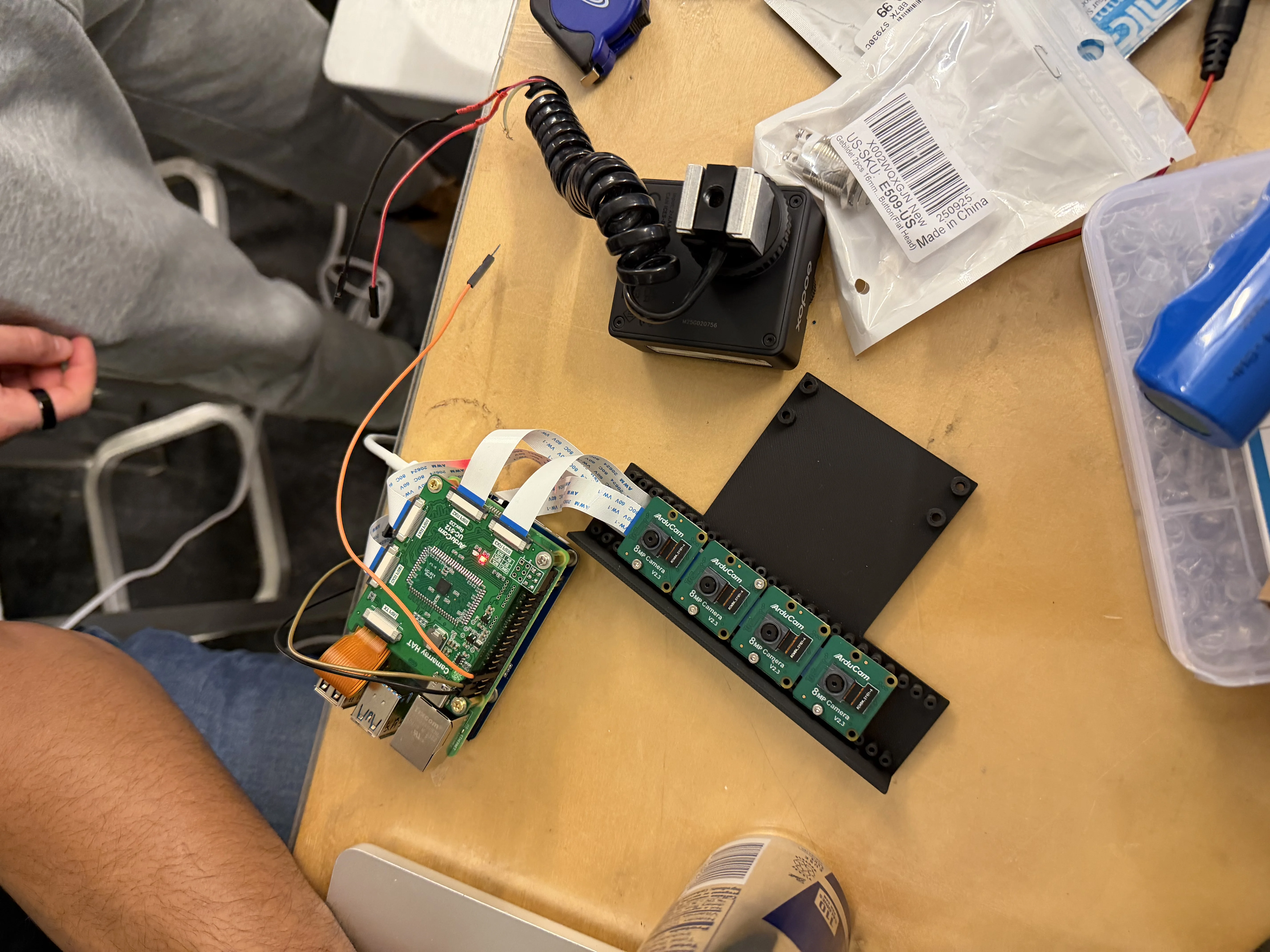
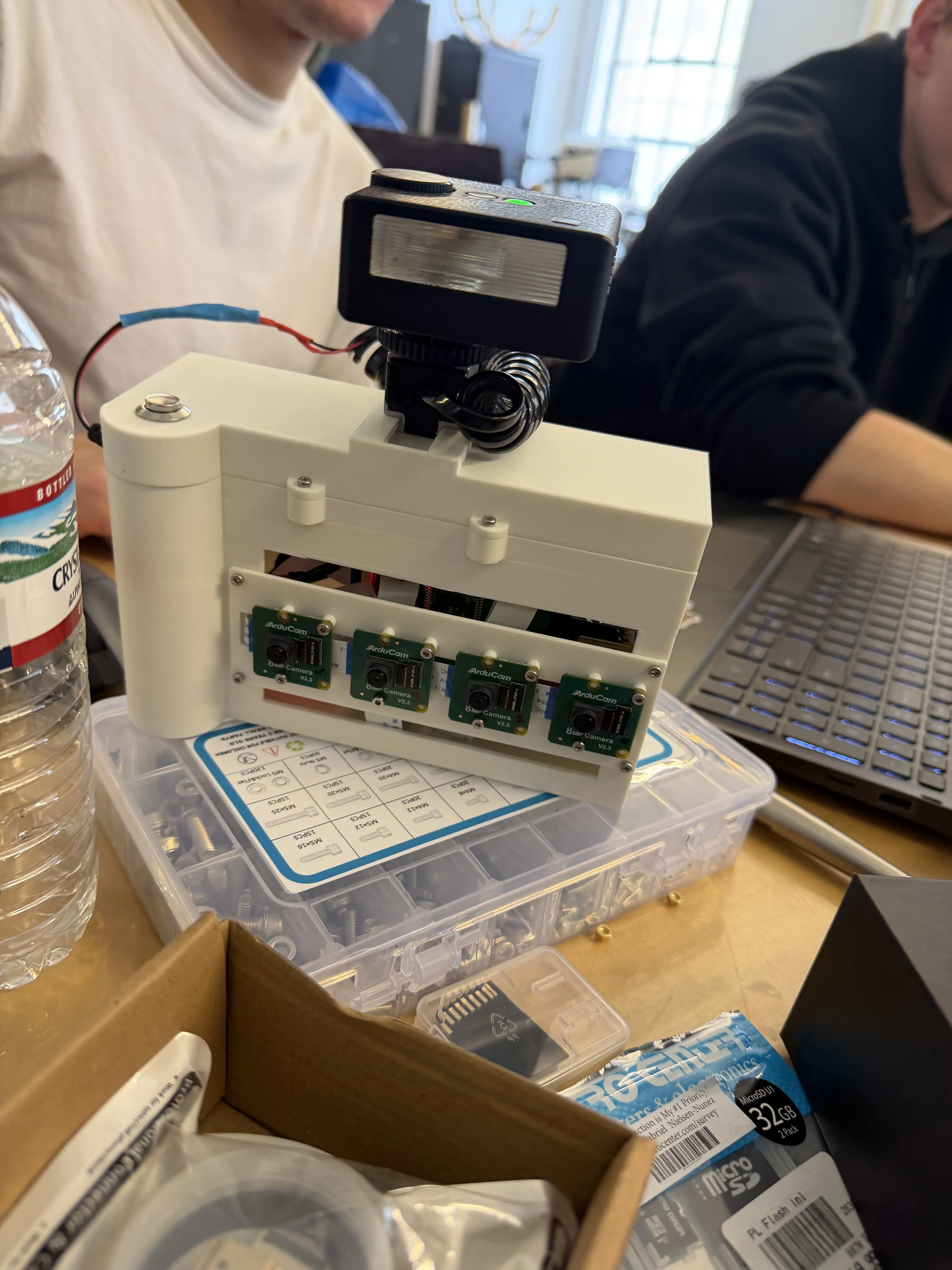
The system uses four horizontally spaced cameras along a fixed baseline. Capturing the same scene from slightly different viewpoints introduces parallax (relative positional shift), which is the depth cue behind the wiggle effect.
The captured frames are sequenced into a short looping animation that alternates perspectives. That loop creates a lightweight 3D-like illusion without requiring stereoscopic glasses or complex rendering pipelines.
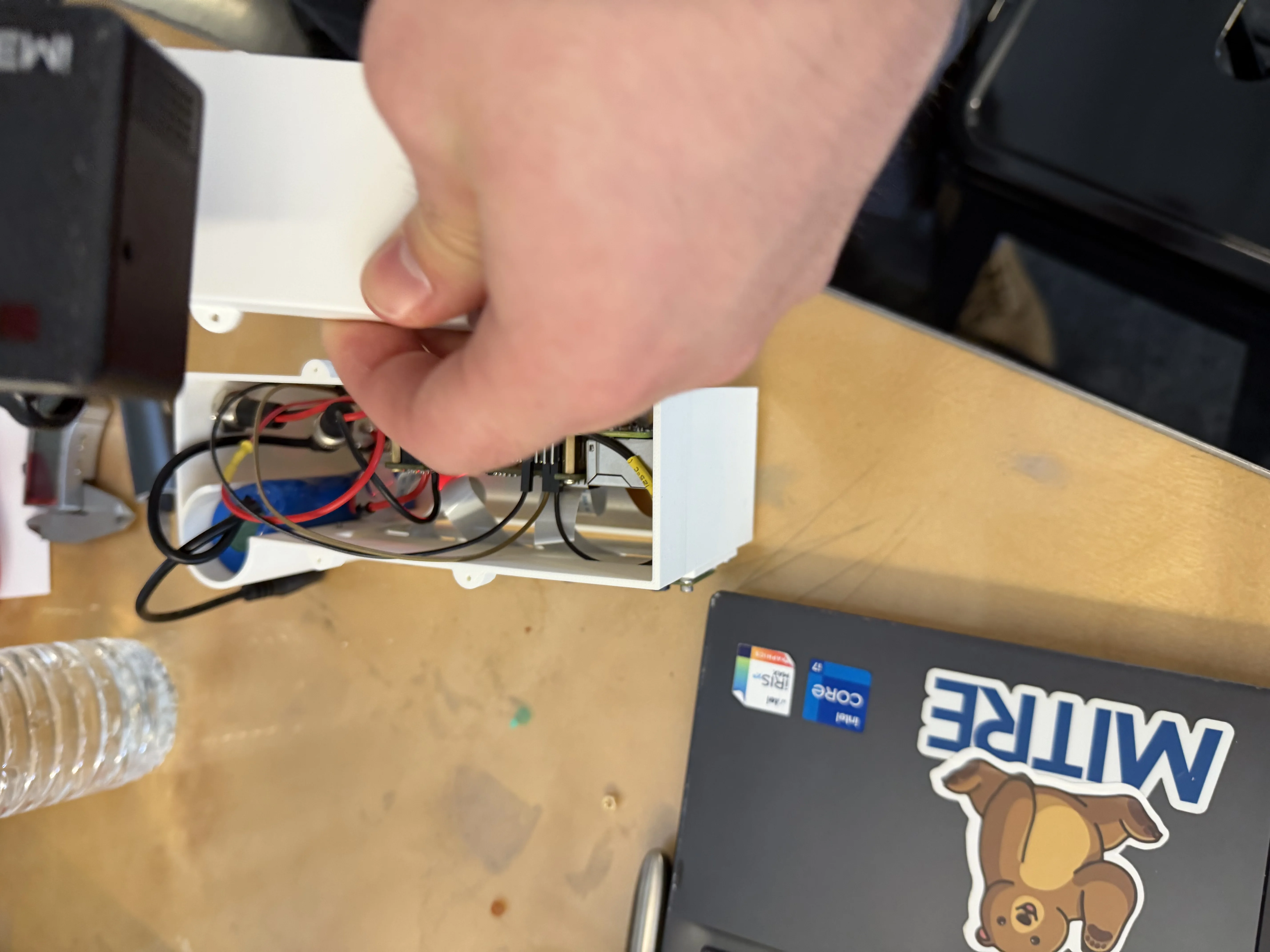
Assembly snapshots from this first-iteration build:
What Is a Wiggle-gram? (Context Video)
This is an external YouTube explainer by another creator (not our team’s demo), included to give quick context on what a wiggle-gram is.
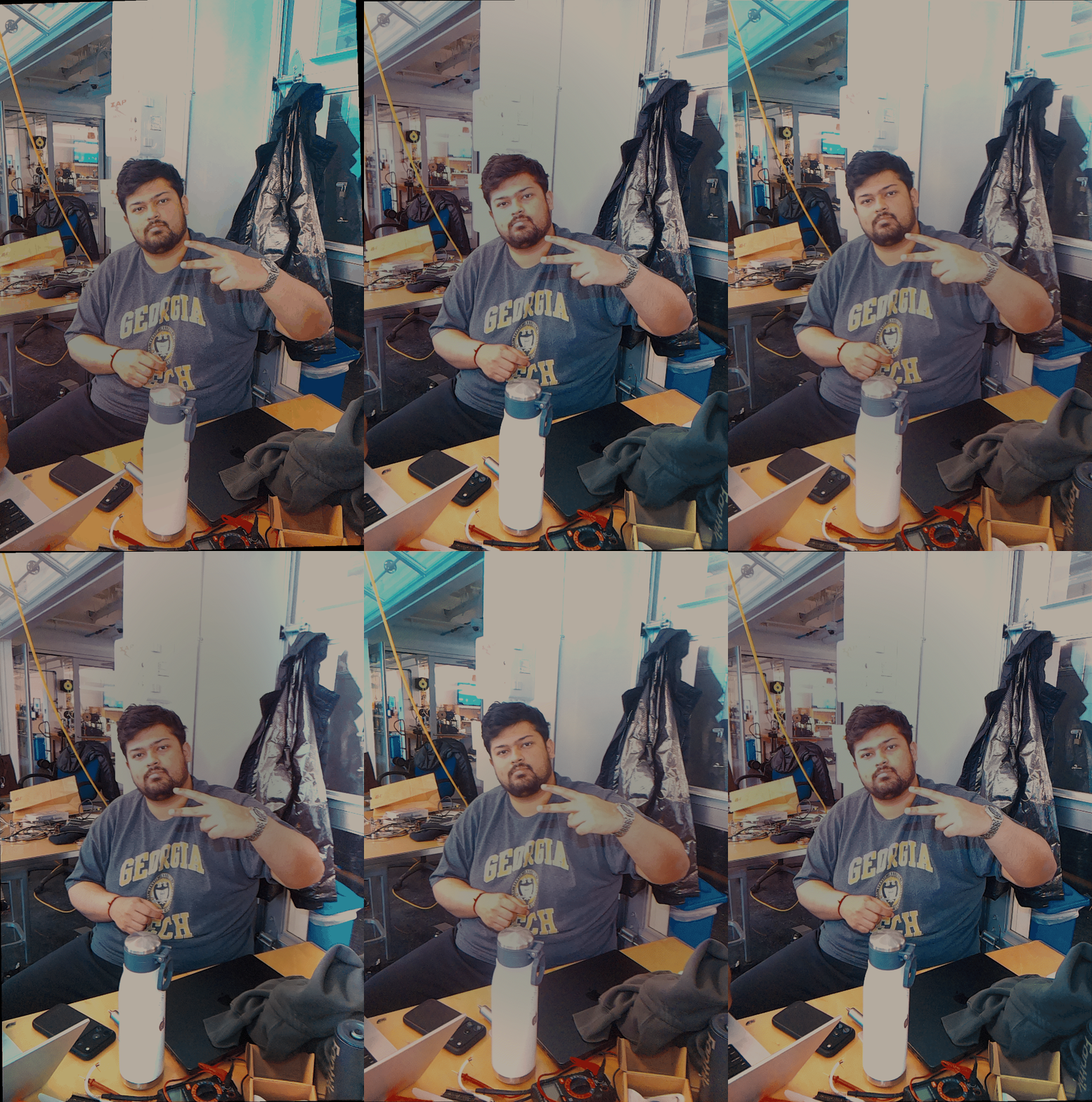
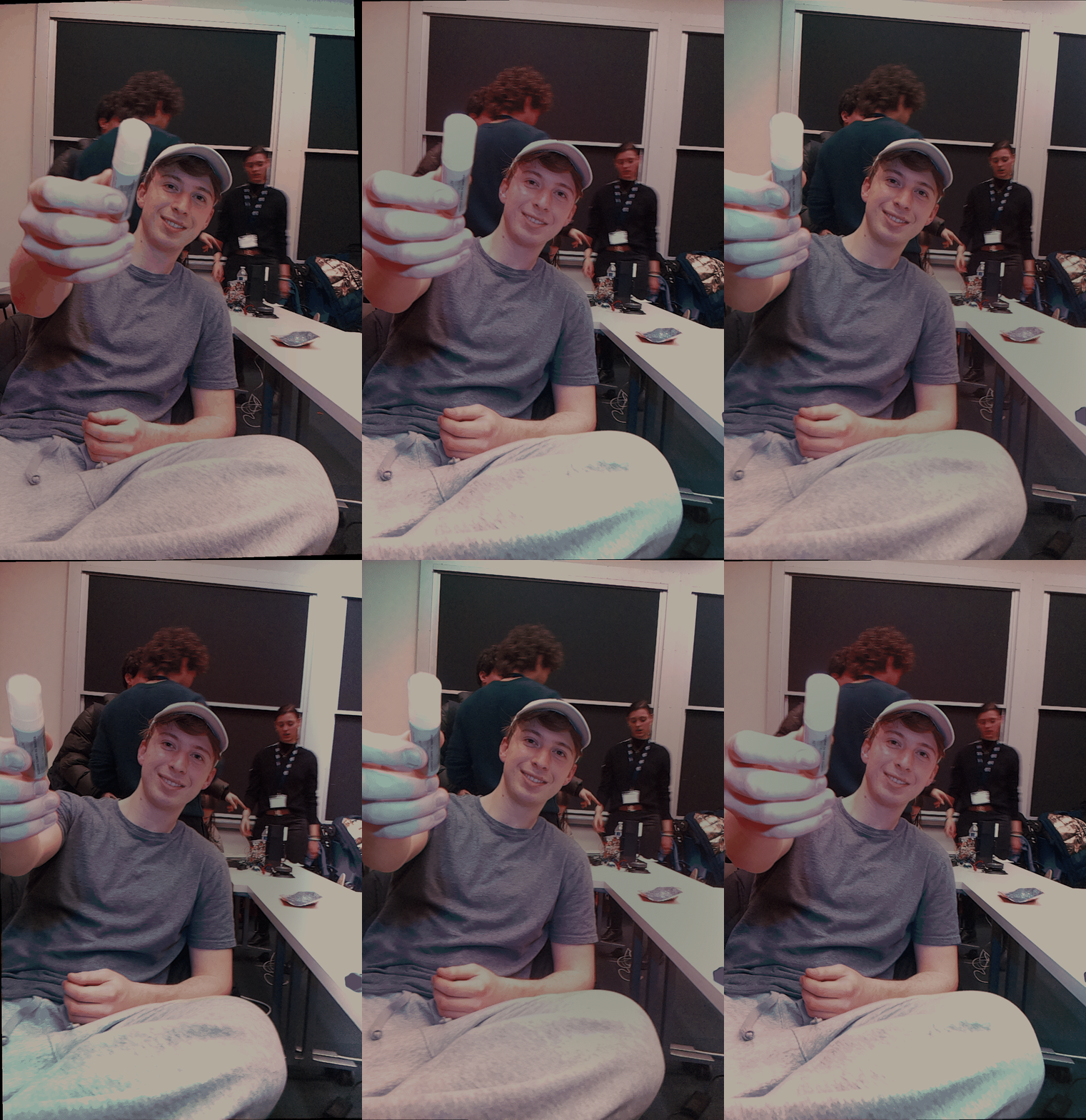
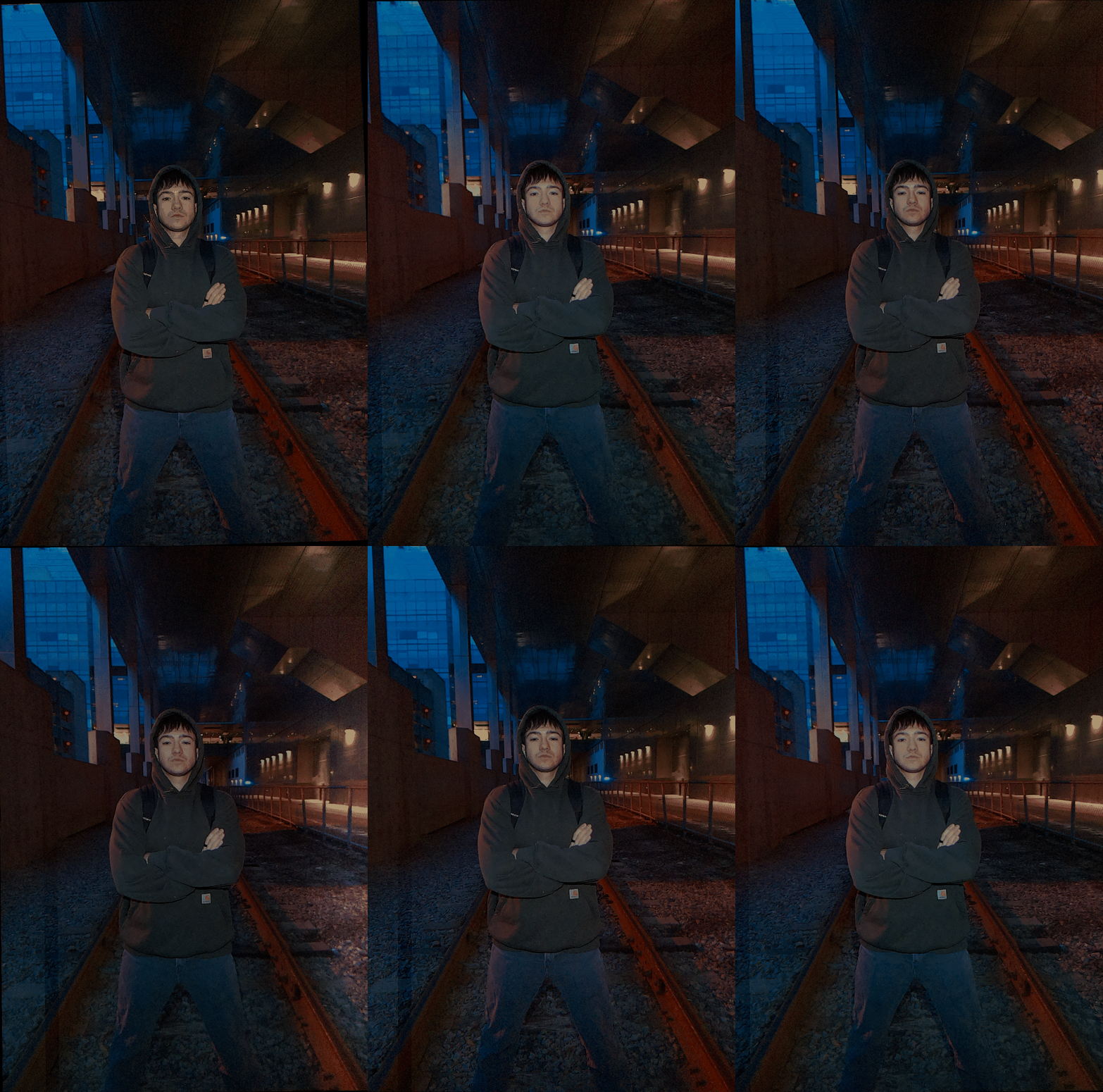
Captured Wiggle GIFs
GIFs captured on the prototype camera rig during the hackathon:
Technologies Used
Hardware + Compute: Raspberry Pi, camera modules, compact multi-camera enclosure.
Design + Fabrication: CAD + Onshape + 3D printing for physical rig iteration.
Software: Python-based capture/control and output processing workflow.
Challenges & Learnings
The main technical challenge was synchronization: even small timing offsets between camera captures created visible artifacts in motion. Mechanical precision also mattered more than expected, since minor angular misalignment introduced vertical disparity that reduced visual quality.
We also learned how strongly baseline spacing influences perceived depth and viewing comfort. In short, this iteration proved the concept and highlighted exactly where to focus next for a stronger v2 build.
Next Iteration Roadmap
- Improve multi-camera synchronization reliability and timestamp handling.
- Add stronger intrinsic/extrinsic calibration workflow for cleaner parallax output.
- Refine enclosure rigidity and compactness for better portability and repeatability.
- Expand output pipeline with easier export/sharing options for end users.